Cruise Line
Knowledge Portal
Rebuilding how ~850 crew members find critical information - when time actually matters
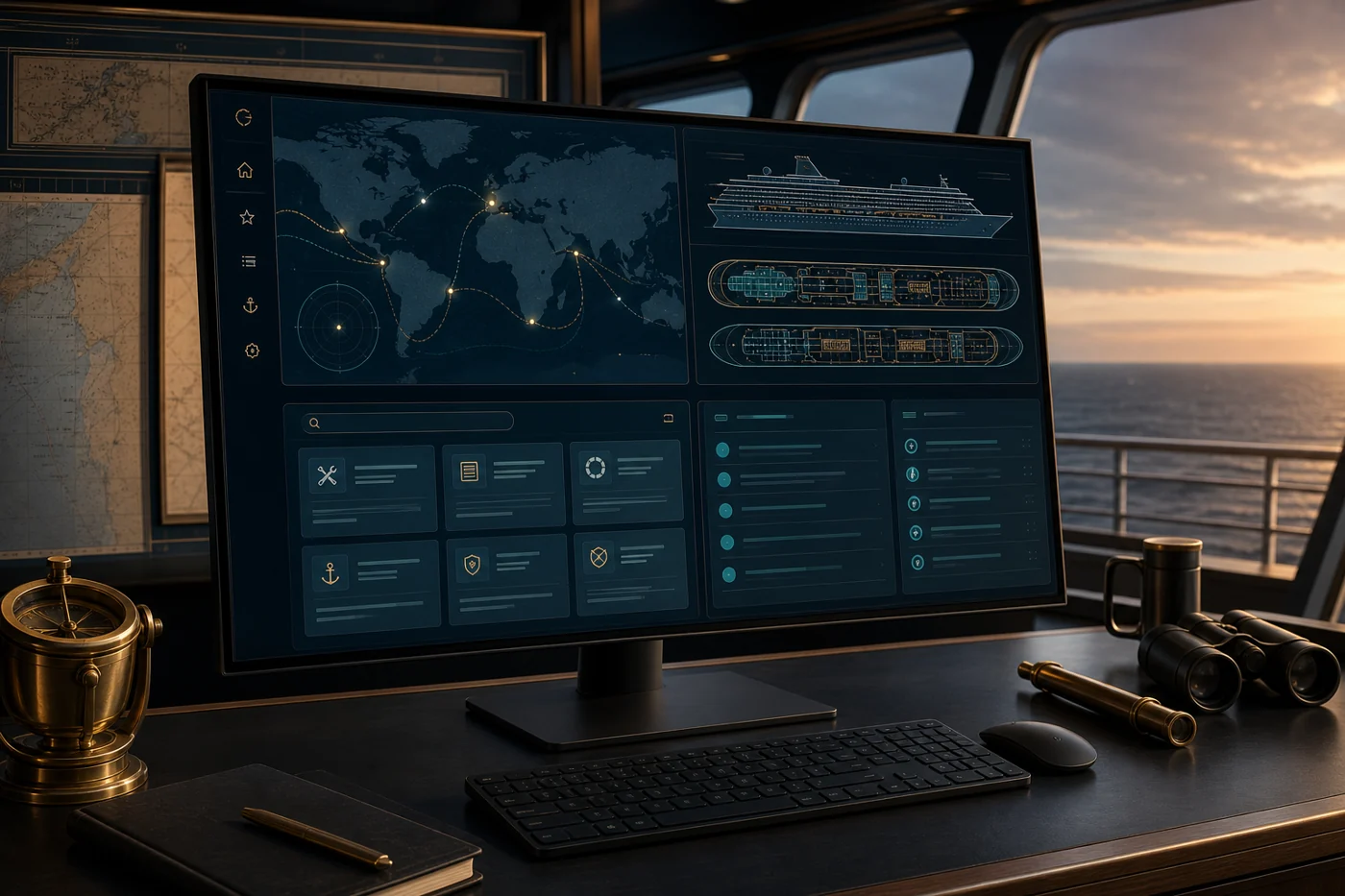
The Problem
A regional cruise line's internal knowledge base was essentially broken for its ~850 crew members spread across multiple ships. Exact-match search returned nothing useful. Navigation required 5+ clicks to reach a single document. Crew abandoned the system entirely and called the home office instead - a significant time sink for everyone.
For a head chef needing allergen procedures during a guest emergency at 6 AM, a knowledge base that fails isn't just frustrating - it's a liability.
Research & Discovery
Since crew were spread across ships, I got creative with my research approach:
- Shadowed crew on two ships during active shifts - galley, deck, guest services
- Remote interviews via video with crew from both vessels
- Analyzed 3 months of support ticket data to identify the most-searched (and most-failed) queries
- Card-sorting exercises to understand how crew mentally organized information
"I'm in the galley at 6 AM trying to find the allergen handling procedure because we have a guest with a severe allergy. I searched three times. Nothing. I had to call the home office. On a Saturday."
- Head Chef, Caribbean RouteThe Solution
I rebuilt the portal around four core upgrades: smarter search, role-based dashboards, mobile-first design, and a dramatically simplified information architecture.
Search That Actually Works
Replaced exact-match search with synonym mapping and a controlled vocabulary of tags. Searching "turndown" now finds "Daily Cabin Turndown Protocol" even if those words don't appear in the title.
Before - 5+ Clicks
- Home
- Departments
- Guest Services
- Housekeeping
- SOPs
- Daily Turndown Protocol
After - 2 Clicks
- Home → Housekeeping → Daily Turndown
- Or: search "turndown" → instant result
Role-Based Dashboards
Each role sees what's actually relevant to their job. Galley staff see food safety and allergen protocols. Deck officers see navigation and safety drills. The homepage became genuinely useful.
Mobile-First Design
Built the entire interface mobile-first since crew access information on phones and tablets during active shifts. Added offline mode, compressed assets for satellite-speed internet. Load time: 7 seconds → under 2.
Content Strategy
The interface was only half the problem. I rewrote ~150 critical documents with plain language principles, cutting reading level from graduate-school to clear and scannable. Added numbered steps, visual warning indicators, and quick-reference summaries.
Challenges
Slow Satellite Internet
Crew used 3-4 year old tablets on satellite connections. Fixed with aggressive compression, lazy loading, and offline document downloads.
Language Barriers
20+ native languages, varying English levels. Added visual icons, video tutorials, and a "Simplified View" mode with shorter sentences and larger text.
Change Resistance
Long-term users were attached to the old system. Created quick onboarding videos per role, recruited ship-level "champions," and ran 3 weeks of parallel access.
Results
"First time in my 11 years here that I can actually find what I need. Search works like Google now."
- Deck Officer, 11 years with the company